
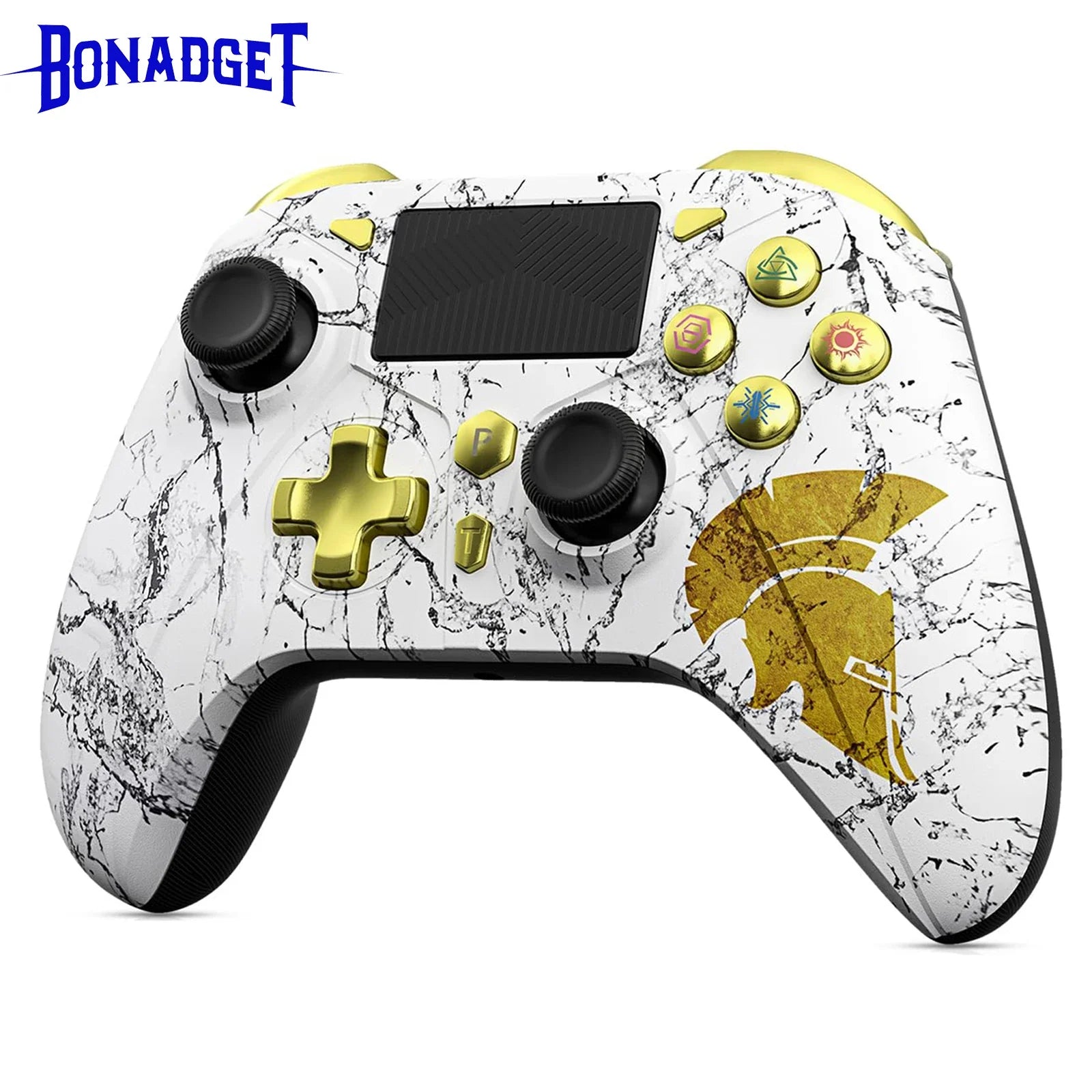





Description
xSPECIFICATIONS
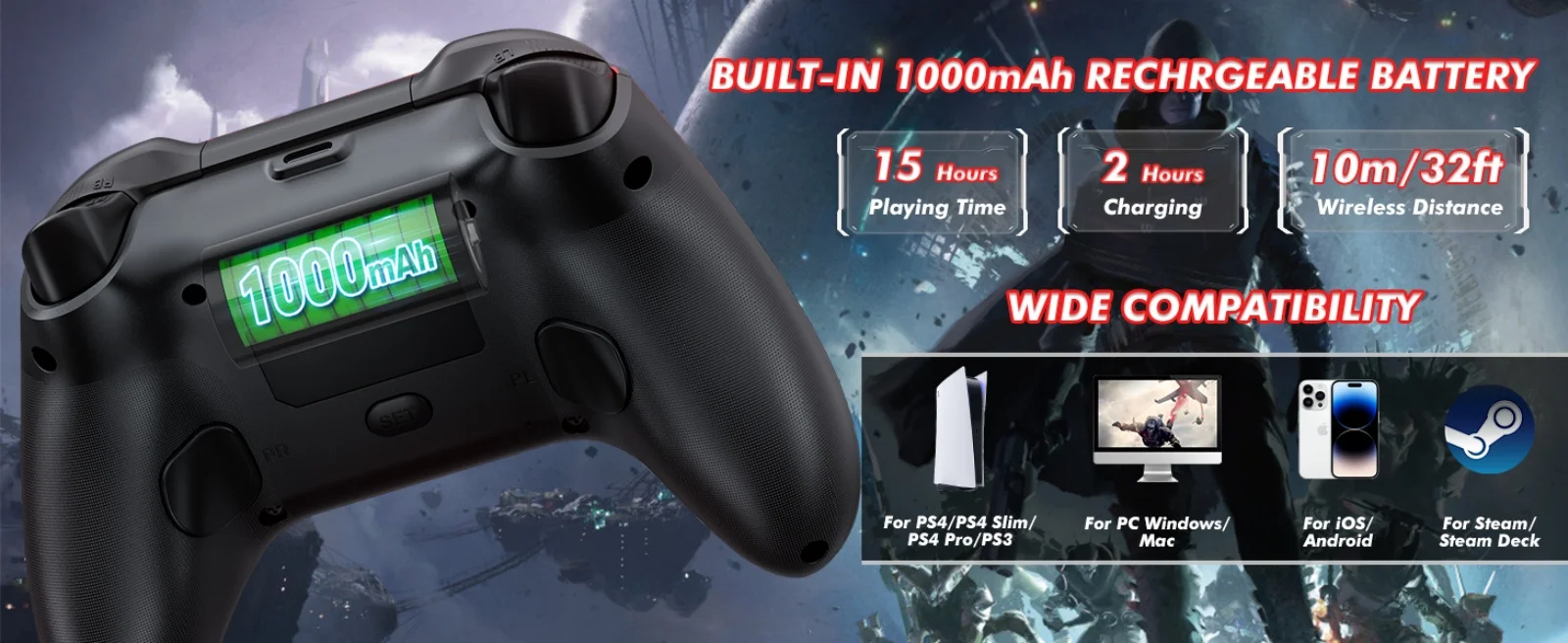
Battery Included: Yes
Brand Name: Bonadget
Choice: yes
Compatible Brand/Model: Sony
Compatible Sony Model: PS5
High-concerned chemical: None
Interface Type: USB,Bluetooth
Model Number: RH-418
Origin: Mainland China
Package: Yes
Trigger Button Type: Linear
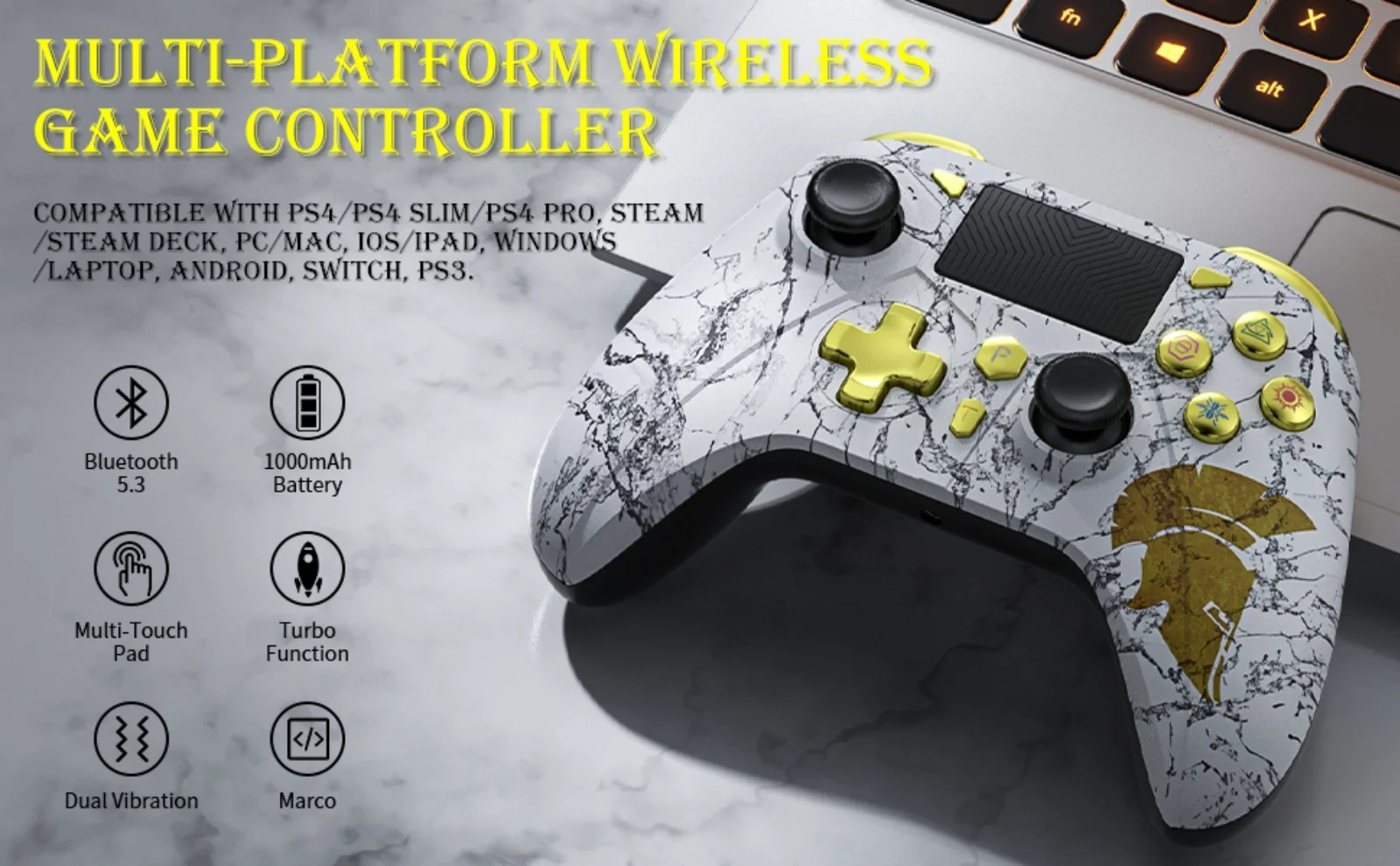
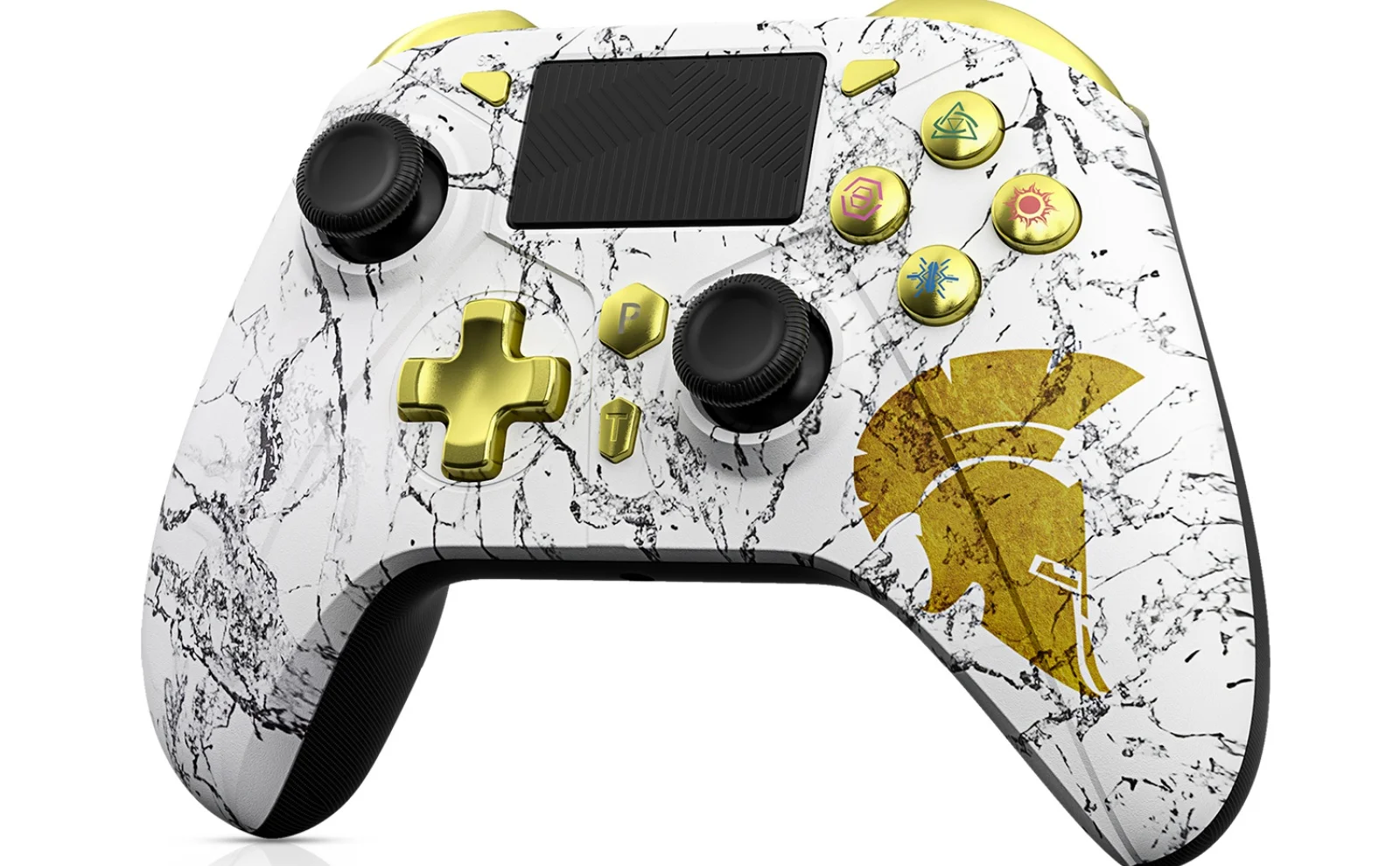
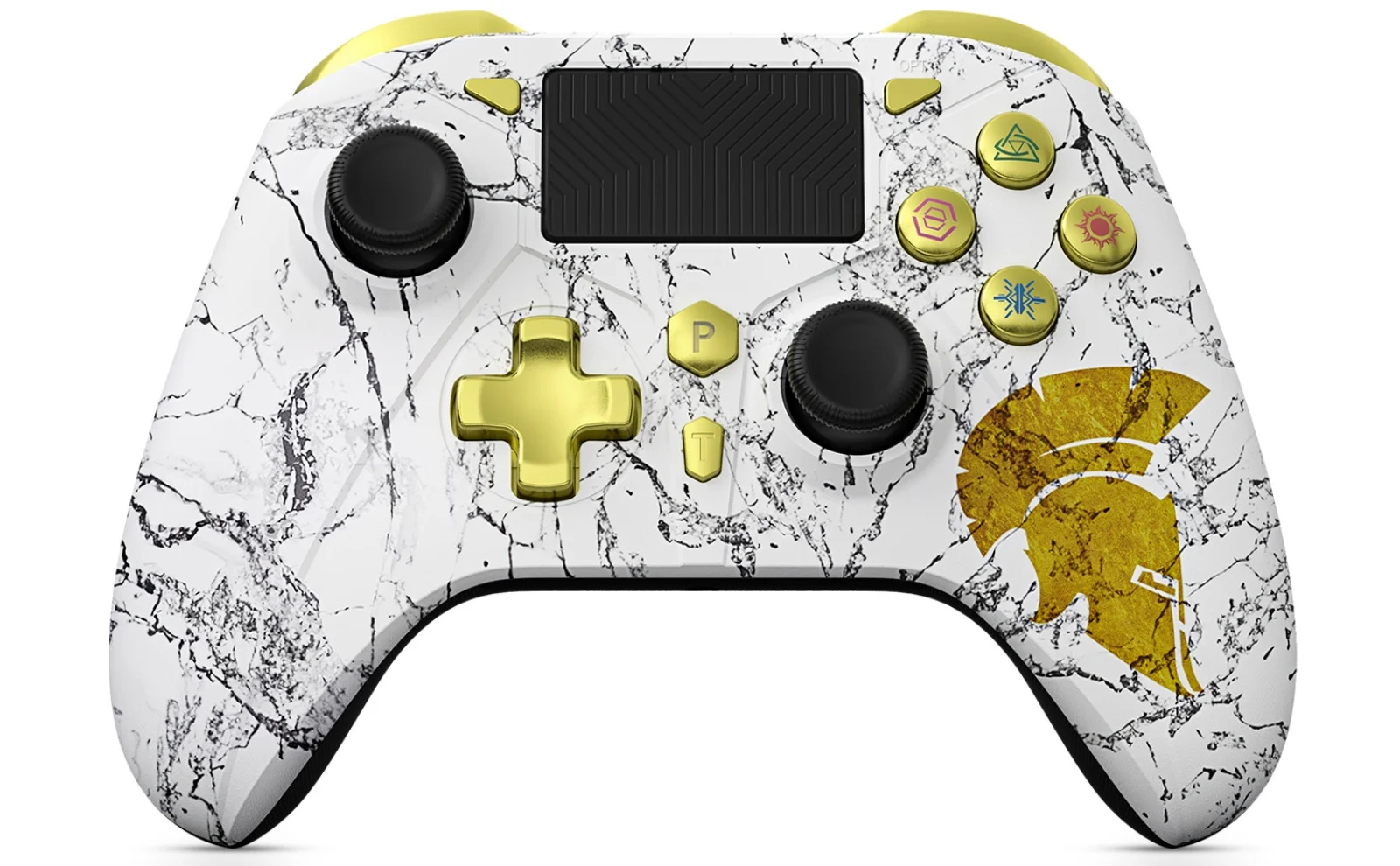
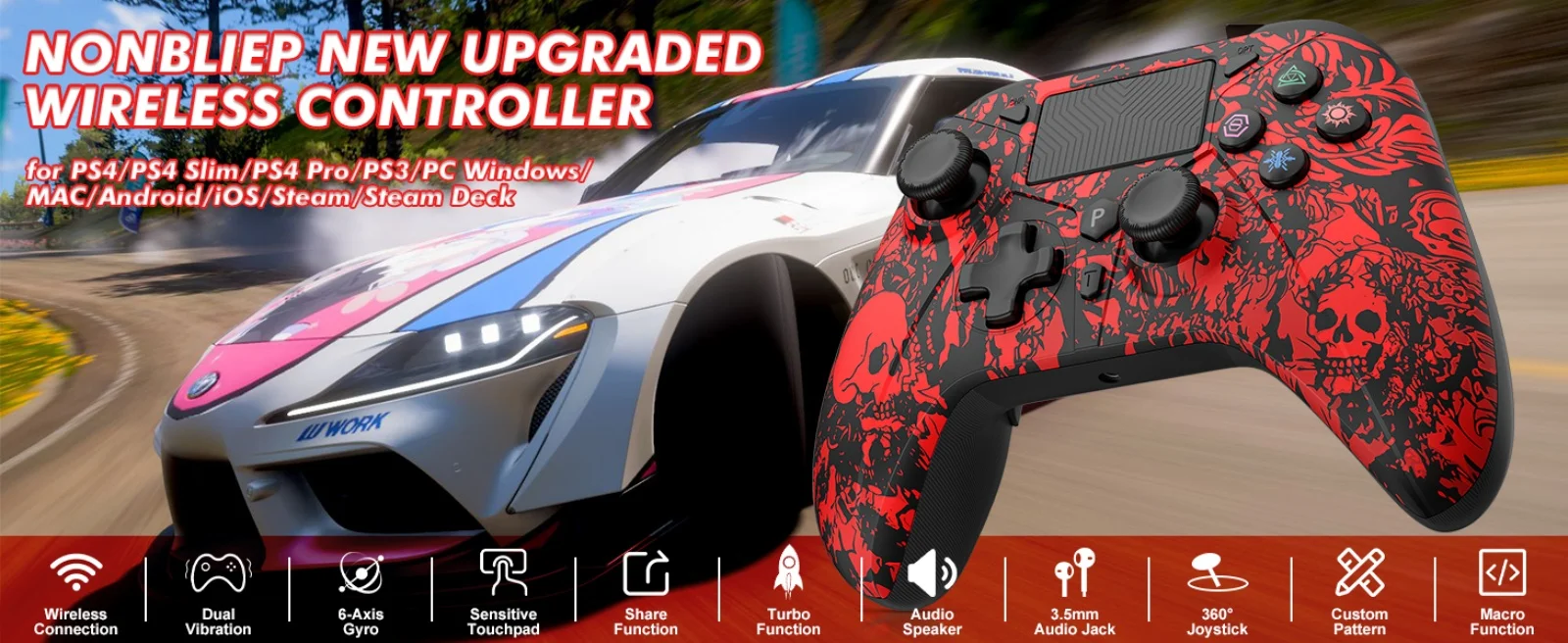
Type: Gamepads
semi_Choice: yes
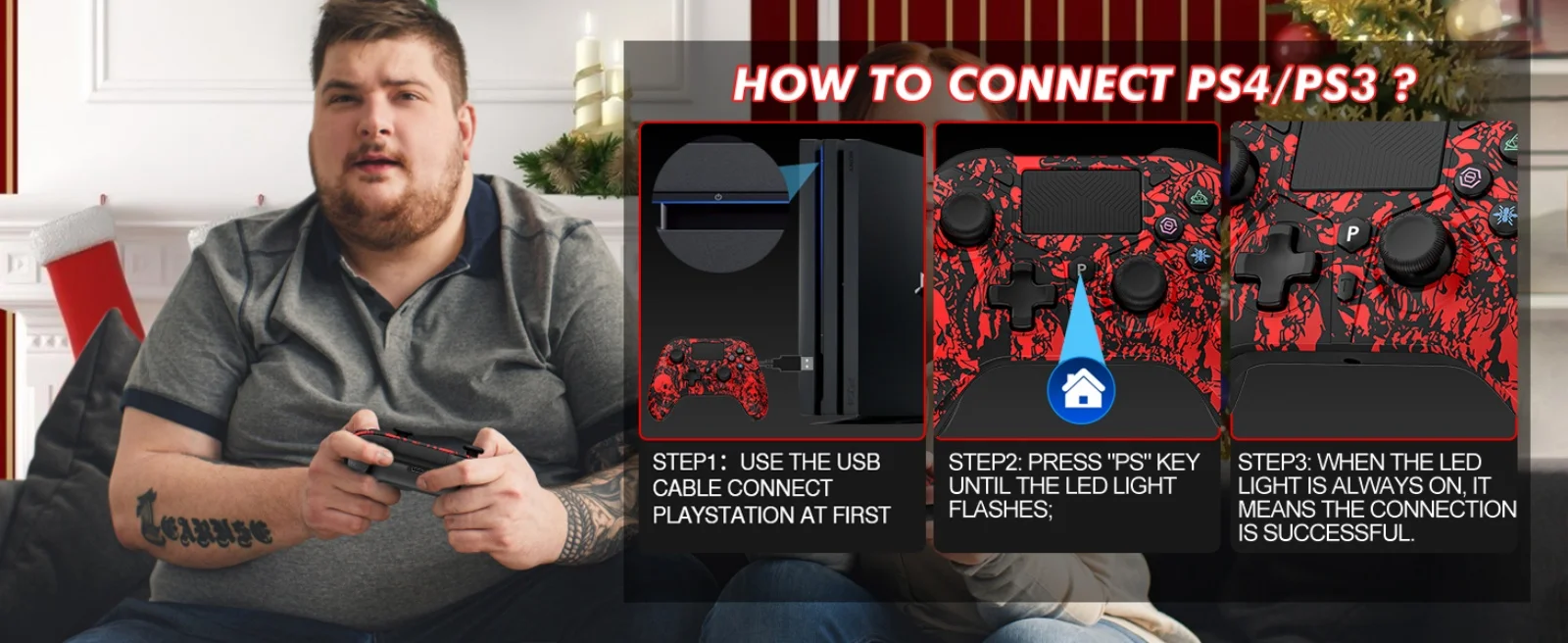
Connection method:
1. P5hosts need to be set up to connect:
(Settings → Peripherals/Accessories → Controller (General)Connection Method → Use USB Wired Connection)
2. Plug the adapter into the P5console USB port and press the adapter pairing button.
(The indicator light changes from slow flashing to fast flashing)
3. Press and hold the controller "SHARE" button then press together with "PS" button for 5 seconds to enter pairing mode.
(The "P" button indicator on the controller flashes)
4. After the controller vibrates, the indicator light goes out. Press the "P" key again, and the controller will vibrate and connect automatically.
(The indicator lights on the USB adapter and controller no longer flash, successful connection).
Packing:
Instruction manual * 1
USB receiver * 1
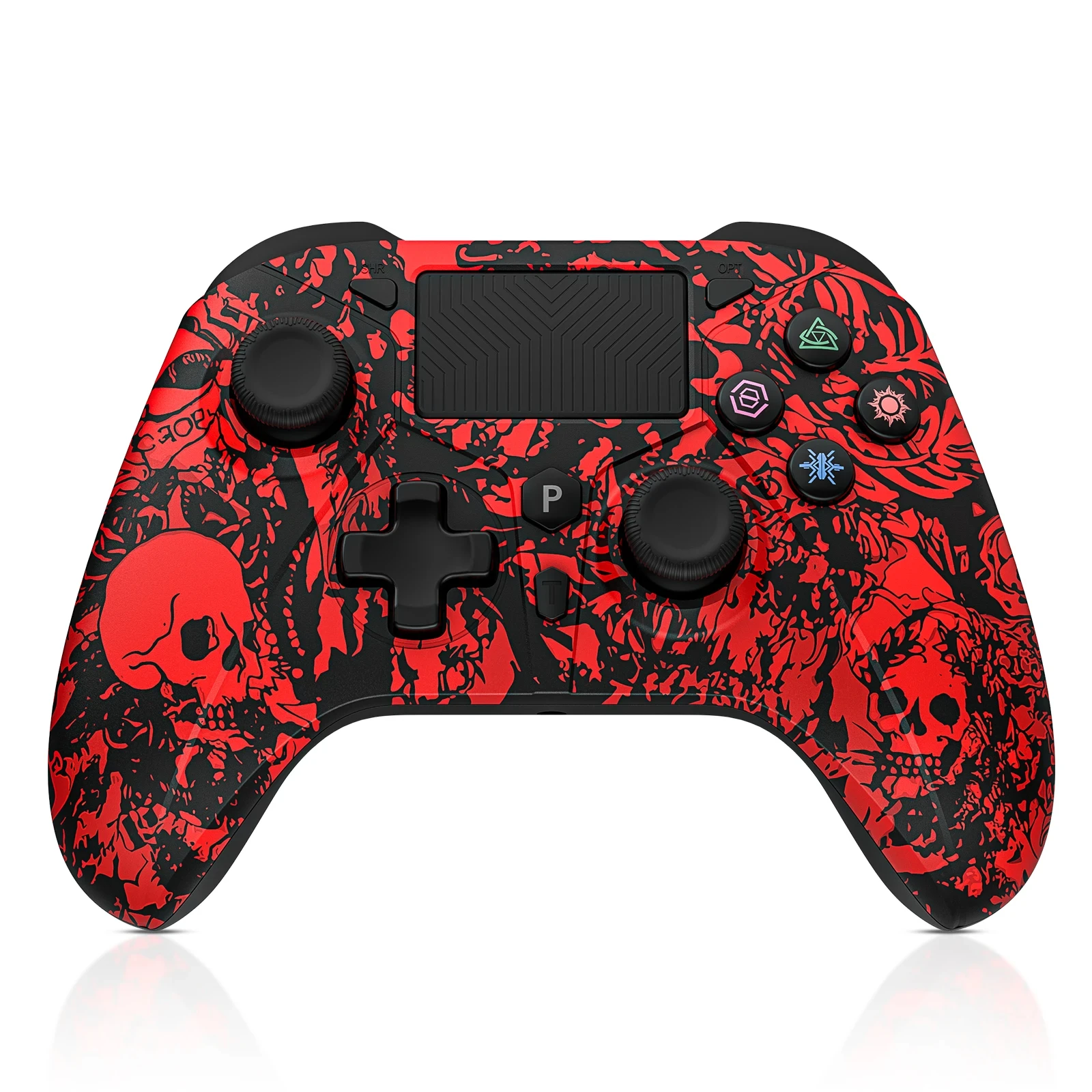
Gamepad * 1



- Choosing a selection results in a full page refresh.